
Drive tracking & replay
Record the run. Then watch it back.
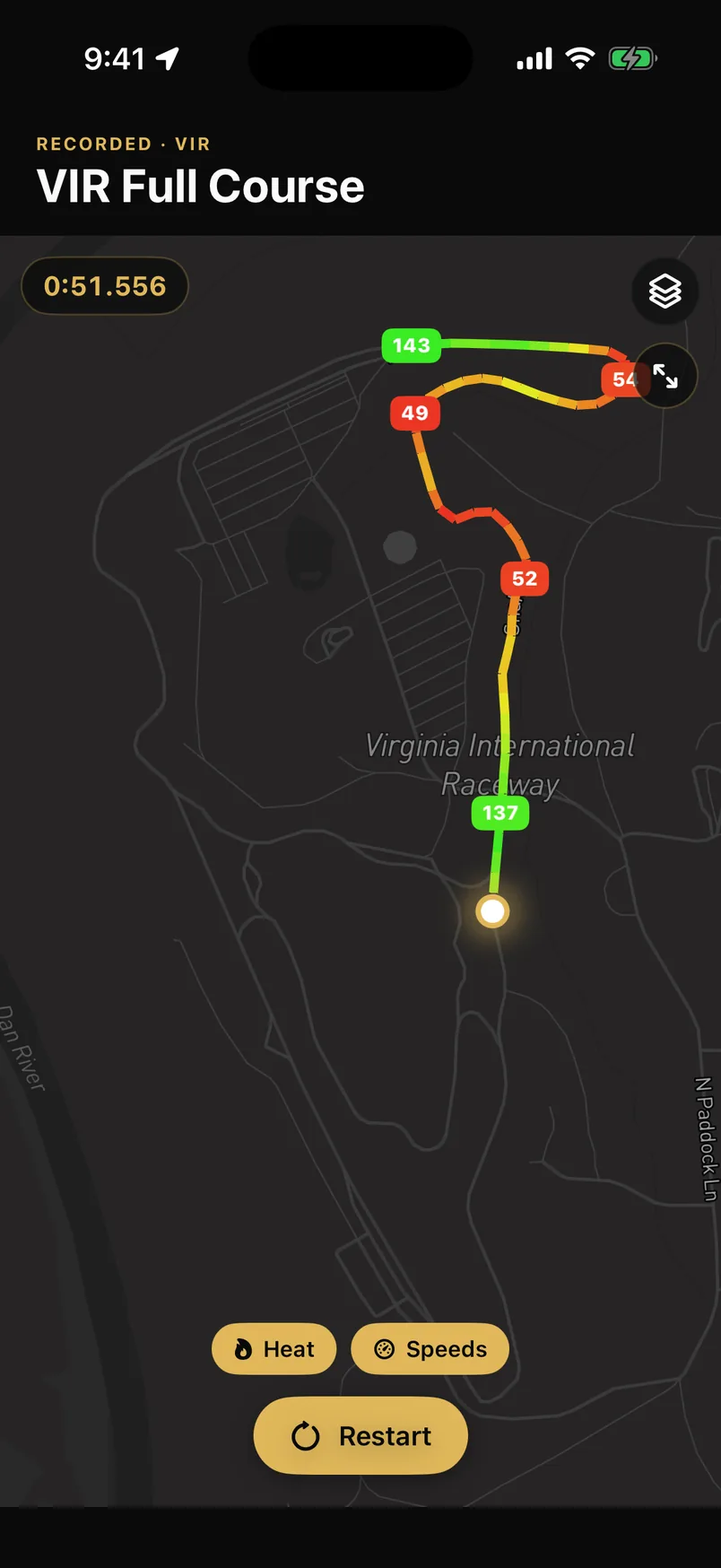
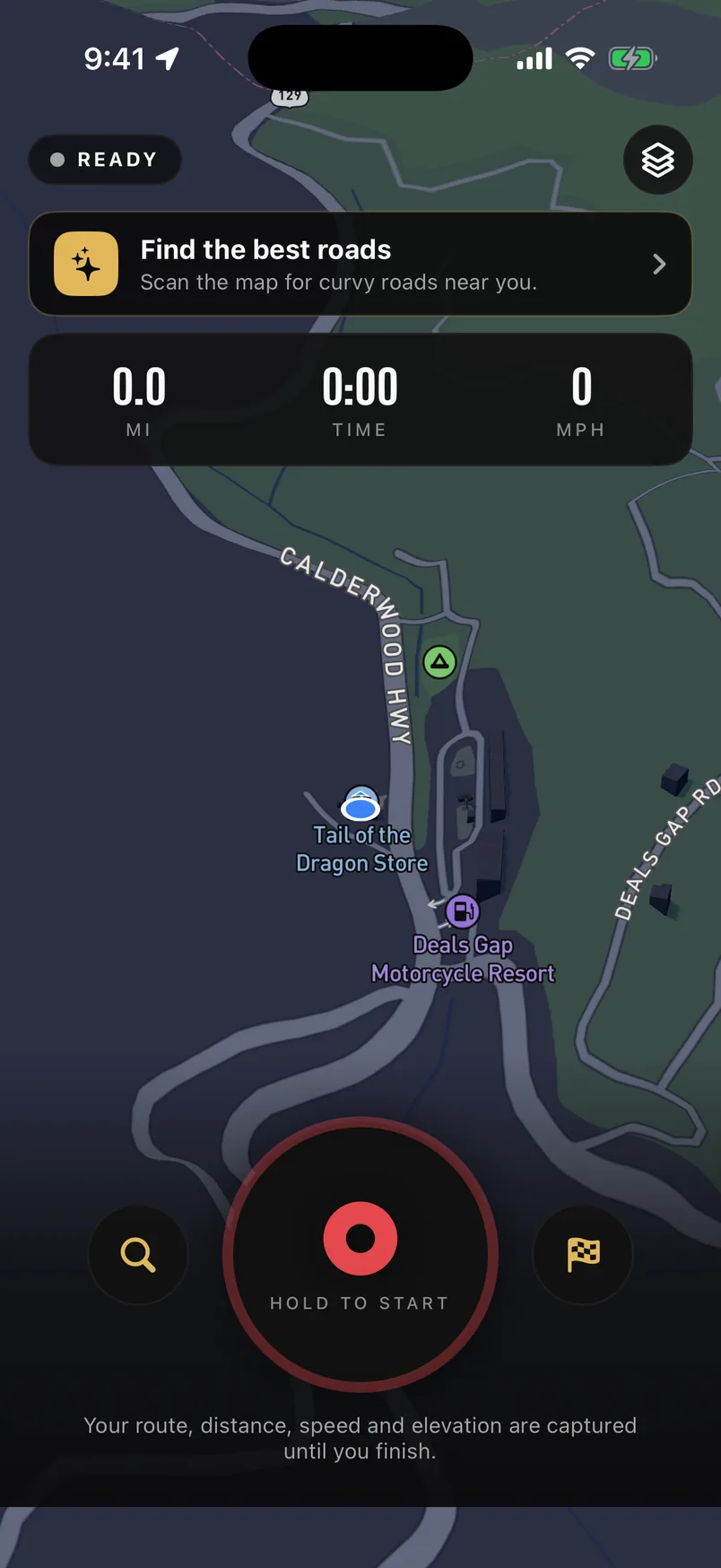
Hit record before the good road starts. You get distance, moving time, top and average speed, elevation gained and the hardest corner you took — and then the drive plays back on the map, coloured by how fast you were going at each point.
- Sample rate
- 1 Hz GPS
- Lateral g
- Measured, not derived
- Replay colouring
- By speed
- Backgrounded
- Keeps recording
What gets measured
Distance and moving time, top speed and average speed, total elevation gained, and peak lateral g. The g figure comes from the phone's motion sensors through CoreMotion rather than being inferred from how the GPS trace curves — a derived number smooths away exactly the moment you care about.
- Distance, moving time, top and average speed
- Elevation gained across the whole run
- Peak lateral g, read from the accelerometer
- The full path, so the map shows the road you actually took
The replay is the point
A list of numbers tells you the run was quick. The replay tells you where. Your drive redraws itself along the road with the line coloured by speed, so the slow corner you fluffed and the section you finally got right are visible at a glance. Scrub it, or let it run.
It keeps running when the screen doesn't
Recording holds a proper background location session, so putting the phone in your pocket or taking a call doesn't quietly end the run. That is worth saying plainly, because a tracker that stops when you stop looking at it is worse than no tracker.
Then it's yours to share
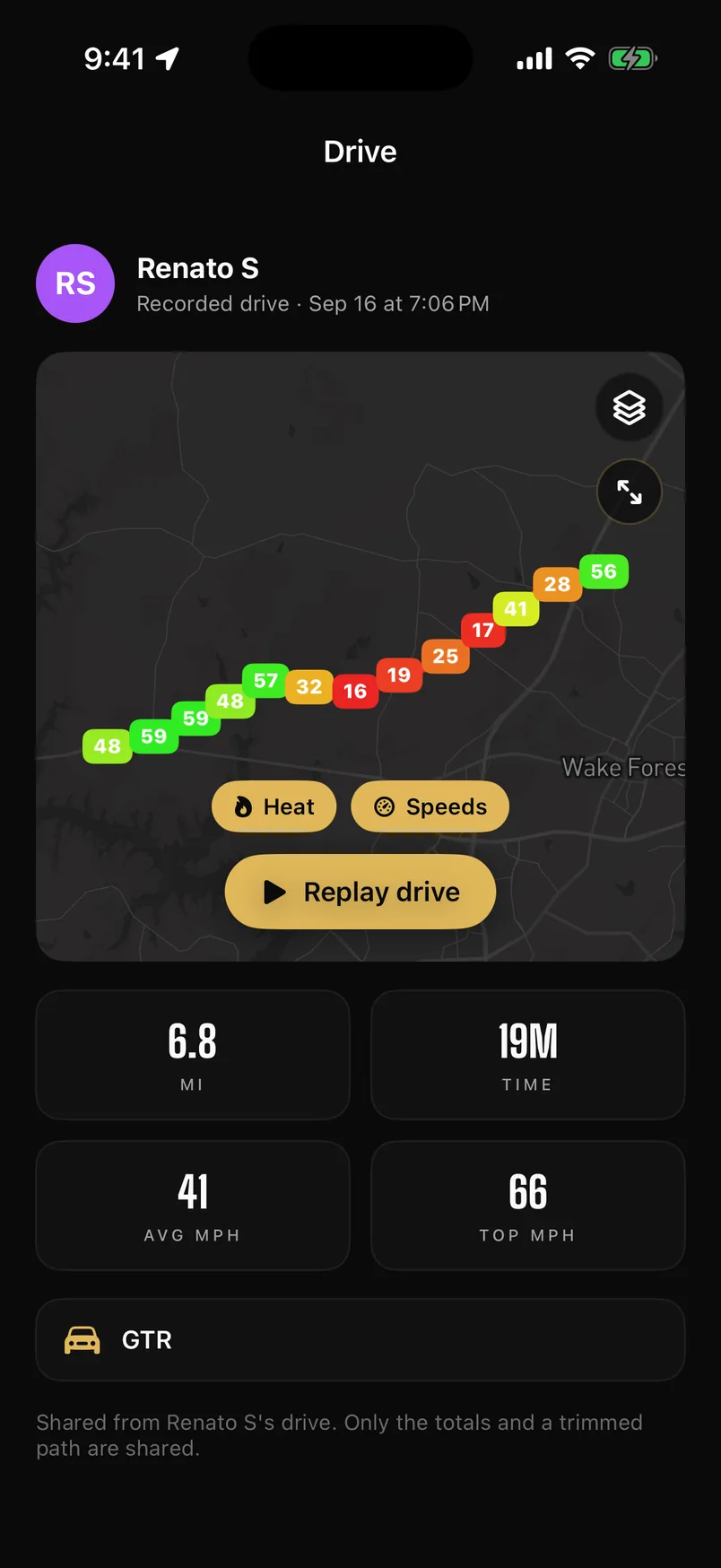
A finished drive can go to your feed or to a club as a card with the totals and the shape of the road. Your career totals — distance, time, drives, longest drive, top speed, max g, elevation — build up from every run and feed the leaderboards.
Common questions
How is lateral g measured?
From the phone's own motion sensors via CoreMotion, not calculated from the curvature of the GPS trace. A derived figure averages out the peak, which is the number you actually wanted.
Does recording keep going in the background?
Yes. Recording uses a background location session, so locking the phone, switching apps or taking a call doesn't end the run.
What is the replay, exactly?
Your recorded drive played back on the map, with the route line coloured by the speed you were doing at each point — so you can see where the run was quick and where it wasn't.
Do my drives count toward leaderboards?
Yes. Distance, time, drives, longest drive, top speed, max lateral g and elevation from every recorded drive feed your career totals and the global, friends and club boards.