
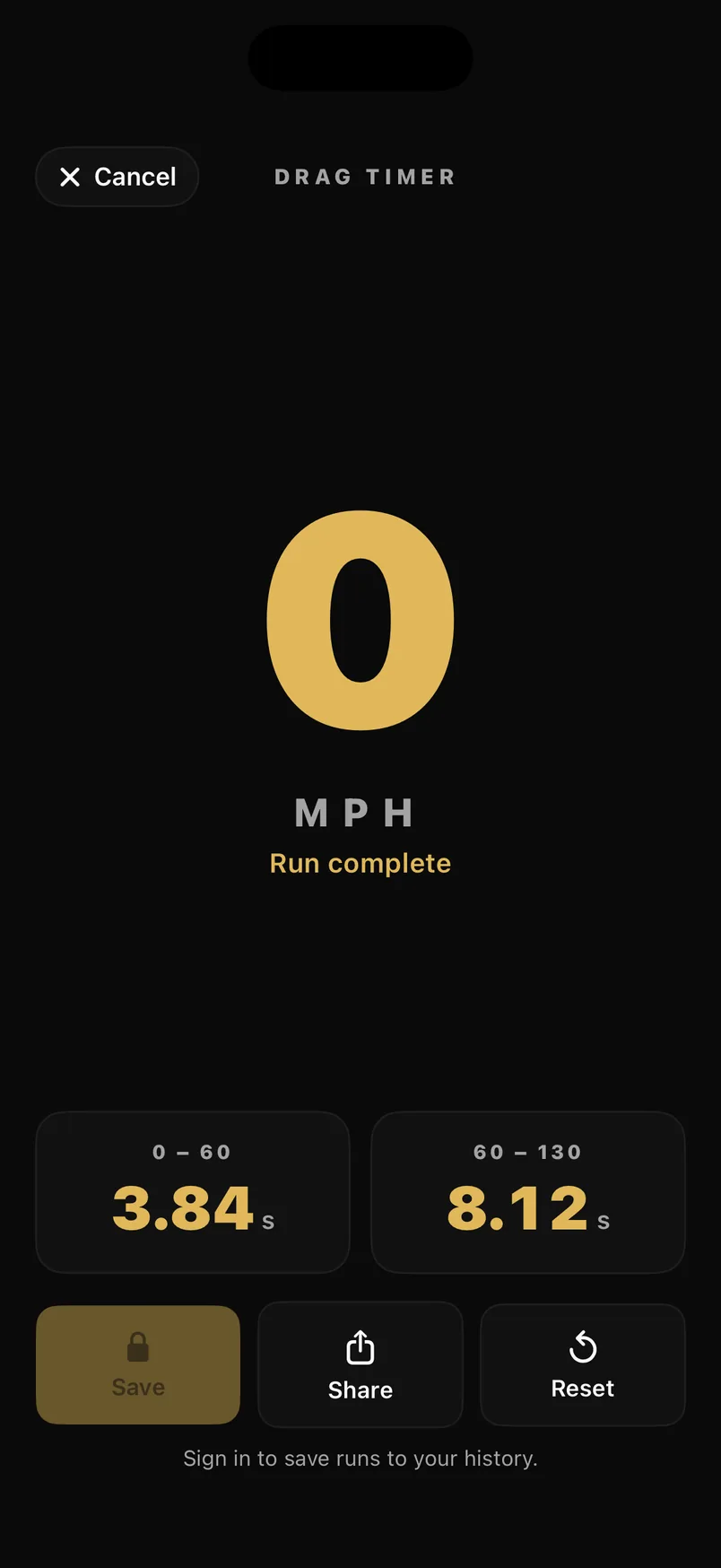
- Standing
- 0–60 · 60–130
- Rolling
- 60–130
- Metric
- 0–100 · 100–200 km/h
- Hold to arm
- 3 seconds
Two disciplines, one button
A standing run is the classic: come to a stop, the timer arms itself, and it clocks you to 60 and then on to 130. A roll needs no stop at all — get to 60, hold it steady for three seconds, and a full-screen green GO tells you to bury it. The roll is the one you can actually do on a road, and it's what most people mean when they say 60–130.
- Standing arms at a stop and starts the clock when you commit, not when the wheels first move
- Rolling arms on a three-second hold at 60, with a countdown on screen
- GO is a full-screen flash, a haptic and a spoken cue — you never have to look at the phone
- Switch discipline any time; each is stored separately so a roll can't set your standing record
Times you can believe
A phone reports its speed about once a second, so a naive timer rounds every run to the nearest second. Each milestone crossing is instead interpolated between the two GPS fixes that straddle it, which is how a 1 Hz sensor produces a split worth comparing. Fixes that can't be trusted are dropped rather than averaged in: anything with worse than 3 m/s of speed accuracy, and anything implying more than about 1.3 g of acceleration, which is a GPS spike rather than a car.
It saves itself
Finish a run and it's already in your history — no tapping Save while you're still slowing down. Back off and the timer re-arms on its own for the next one. A 0–60 you stopped after still counts as a completed run rather than sitting there unrecorded.
Common questions
Do I need to stop to time a 60–130?
No. Choose the rolling discipline, get to 60 mph and hold it within a few mph for three seconds. The timer arms itself and clocks you from there to 130. The rolling start is on iPhone today; Android has the standing run.
How accurate is a phone GPS drag timer?
Each split is interpolated between the two GPS fixes either side of the milestone, so it isn't limited to the roughly one-per-second rate the sensor reports. Fixes with poor speed accuracy, or implying more than about 1.3 g, are rejected. It is a consistent, comparable number rather than a dragstrip timing beam.
Does it work in km/h?
Yes. Set the app to metric and the milestones become 0–100 and 100–200 km/h.
Can I use it while navigating?
Yes. The timer runs its own GPS, so navigation keeps guiding underneath it and you can start a run from inside an active route.